I have somehow managed to get way behind with Project Life- more behind than I ever have been before. Catching up seems overwhelming sometimes, but this morning I made it my mission to complete two weeks.
As usual I have used the digital kit Project 52 2016 and Adobe Photoshop CS5. I have been asked a lot on Facebook about the font I use for my journalling- it's Avenir 45.
Here is Week 9.....
And here is Week 10.....
Hopefully I can get another two weeks completed this week while we are on school holidays :-)
Just a super-quick post today- we are having internet issues here at home which are making blogging and anything else extremely frustrating!
Here is Week 8......
I hope you are all having a lovely Easter break x
I'm back with another week and as usual I have used Project 52 2016 Edition and Photoshop CS5 to create my digital layouts. This week was another scorcher here in Perth- too hot to sit poolside for a swimming carnival that's for sure!
Here is Week 7.....
Thanks for stopping by!
I'm back with another week to share. I am using the Digital Project Life Project 52 2016 Edition this year and I am loving how the choices are limited thus making this process quick and easy.
Here is Week 6.....
Thanks for stopping by- I will be back soon with some scrapbooking layouts :-)
It was a week with few photos but instead of switching to a single page spread, I decided to add lots of journalling to complete the double page. I am continuing with the Project 52 2016 Edition from digitalprojectlife.com and the Design A template.
When I struggle to fill a Project Life page I often include what I've been watching and what I've been reading and this week I did just that. The return of The X-Files was a big deal in our house ;-)
Thanks for stopping by!
I have another week to share, albeit a little late this week- it's nearly the end of Week 5! Of course I have used the Project 52 Edition again and I am still loving this 100% digital approach I have adopted for this year. It's just so simple.
Here is Week 4.....
Thanks for stopping by!
I'm back with another Project Life week to share. I am finding my new process very quick and easy. I got the hang of clipping masks in Photoshop and using the same kit each week means I am getting very familiar with it and that makes choosing journalling cards and filler cards a very quick process. I made the mistake of not saving Week 2 to Dropbox, however, and when my laptop decided to self-implode and require a factory reset, I lost my Week 2 work. I had posted them here and on Facebook though, so re-doing them so I had full-size files again (for printing at the end of the year) was a minor inconvenience.
Anyway, Week 3 came together very quickly......
Thanks for stopping by!
I'm back with another week to share. If you missed my previous Project Life post, you can find it here and it explains my approach for this year. I am going all digital and am using the Project 52 Edition and the Design A Template with Adobe Photoshop CS5.
Here is Week 2.....
Thanks for stopping by!
And so it begins again. I love this style of documenting our lives. The moments that don't make it to their own "traditional" scrapbook layout are usually included in my Project Life albums. If you have no idea what I am talking about, check out Becky Higgins' website. Project Life is her baby and it has revolutionised the scrapbooking world with many manufacturers now producing their own products for pocket-style memory keeping. Her goal with Project Life was to simplify memory keeping so it becomes less overwhelming and more easily achievable.
In the past I have done albums where I used up my regular scrapbooking supplies, where I have used a combination of scrapbooking supplies and pocket-style supplies and more recently I have created my pages digitally, but printed the elements to create a physical album with pocket page protectors.
There are some great tutorials on the web for how to use the Digital Project Life products and you can get the Design A template for free from the Project Life digital store. All you need to get started is to install Photoshop or Photoshop Elements and a Project Life Digital Kit.
The Project Life App was released a while back and it created yet another way of simplifying the process. It was only released for iPhone/iPad so those of us with Android devices had to either wait patiently or use the digital products with our PC's. This kinda shaped my train of thought for how to tackle 2016. I purchased a new digital kit- Project 52- and decided to go digital and print a photobook of all my layouts at the end of the year. The latest news from Becky is however, that the Android version of the App will be ready in February. So I will most likely try the App and then decide whether to continue digitally or switch entirely to creating my layouts on my phone and/or tablet.
So here is my 2016 Title Page.....
Here is the left-hand page of Week 1.....
Here is the right-hand side.....
And here is the entire Week.....
There are many things I like about having a physical album on the go all year- the boys love to flip through it and I can add in their certificates, ribbons and artwork- but they do take up a lot of space and the cost of albums, page protectors and printer ink adds up. Digital pages are quick and easy to create and store and digital supplies can be used over and over again. I am also looking forward to printing multiple copies of our book at the end of the year so the boys can have one each and extended family can have one too.
I hope you'll follow me on my Project Life journey this year and be sure to ask any questions by leaving me a comment.
Phew! My Project Life 2015 Album is complete and I can look forward to making plans for how I will tackle 2016.
I decided to stretch Week 52 into a two-page spread so that I could make a last page on the back of the RHS of Week 52 and finish the album neatly. I have used the Clementine Edition for Week 52 and I really like the digital version of this kit because it comes with extra elements that can be added to photos and/or cards.
Here is the LHS.....
Here is the RHS.....
And here is the entire spread.....
For my last page I wanted to keep it simple and for it to co-ordinate with my monochromatic First Page. I used the Midnight Edition and added a small photo of the four of us to one of the cards.
Thankyou so much for following along with my Project Life 2015- I will be back to soon to share how I will be approaching 2016 :-)
I'm back with another couple of weeks of Project Life and these two weeks include Christmas. I debated whether to make these weeks two-page spreads because of all our Christmas photos, but I just really want to get 2015 finished. The best Christmas photos will make it onto their own "regular" scrapbook layouts, so I elected to go with a "best of" and stick with one page per week for this album.
I have used the Cherry Edition because I go in alphabetical order of kits that I own- yes I have OCD issues- and it was a good pairing with Christmas.
Here is Week 50.....
Week 51......
I have been asked whether I am doing a December Daily album this year, and the answer is no. Towards the end of 2015 we packed and moved house, then hosted house guests for the Christmas period. The idea of doing Elf on the Shelf, let alone a December Daily album was just too overwhelming. It is what it is. Christmas has been documented in PL and there will be regular layouts too, so I am not going to get myself in a guilt-ridden tizz over it :-)
I hope you aren't getting tired of all my PL posts but I really want to finish off 2015 LOL!
For these pages I have used the Sunshine Edition and still really love this kit and all it's bright colours.
Here is Week 48.....
Week 49.....
Thanks for stopping by!
I'm back with another PL share and this time I have used the Slate Edition. I have this kit in physical form but I have some cards in digital form so I have used a mixture of the two for these pages. The title cards are physical cards with the date stamped on with a good ol' date stamp and ink!
Week 46.....
Week 47.....
Apologies again for the photography- I had to shoot these indoors as the easterly wind was too strong outside. That's summer in Perth for you!
I have been spending some time doing a PL catchup to finish off 2015 and today I have Weeks 44 and 45 to share using the Seafoam Collection. As usual, I have created my cards digitally in Photoshop and printed to slip into my Design A Page Protectors.
Week 44.....
Week 45.....
Please excuse the photography- I used my phone to take them on the floor of my craft room. I took them outside but they kept blowing away!
See you soon for another couple of PL weeks :-)
I'm back with another two pages and I've used the Dear Lizzy Polka Dot Party Mini Kit. As usual, all the elements were created digitally in Photoshop before printing with my Epson Picturemate printer.
Here is Week 42.....
And here is Week 43.....
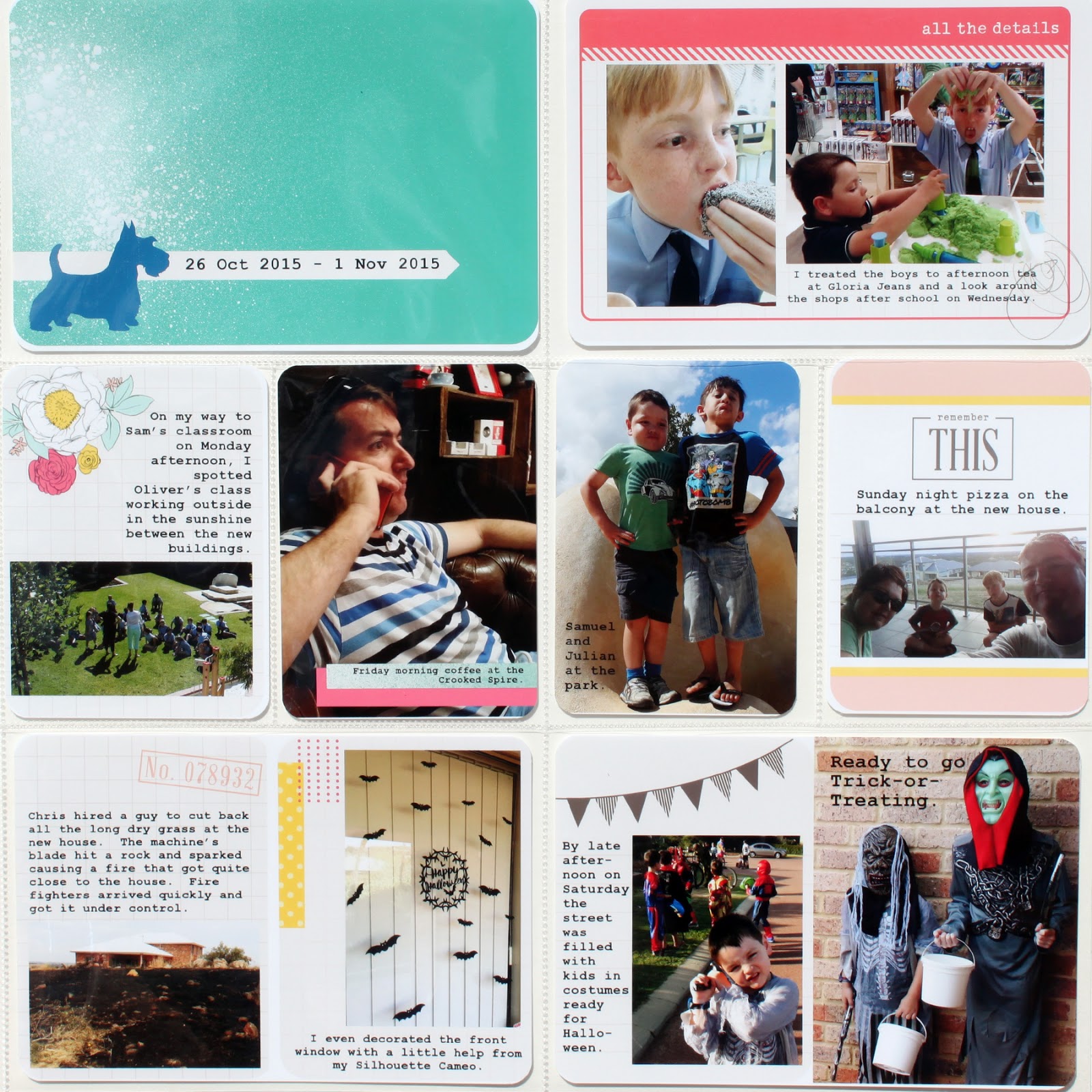
Although Halloween is not a huge celebration here in Australia, our neighbourhood kids love to dress up and go Trick-or-Treating. Most people are prepared and have treats ready for them and it's always lovely to walk the streets and see our neighbours out and about.
Thanks for stopping by!
Hi there! I'm back with another two weeks worth of PL and Weeks 40 and 41 are both single page layouts using the Midnight Edition. Midnight is very clean in style and features black, white, grey and yellow, but for these pages, I chose to only use the black and white elements in the kit. I don't know why I did this- maybe I'm feeling a bit "Monochromatic"- but I am happy with how the pages turned out.
Here is Week 40.....
And here is Week 41.....
Thanks for stopping by!
I'm on a roll and have completed another week of PL! Week 39 is another two page layout and this time I've used the Kraft Edition. It was school holidays and the boys went to the Perth Royal Show so there were a lot of photos to choose from. I added a wood veneer to one of the filler cards but the rest is just my usual "straight-out-of-the-printer" style.
Here is the LHS.....
Here is the RHS.....
And here is the whole week.....
Thanks for stopping by!
I'm back with another Project Life week to share and since it was a photo-heavy week, I've done a double-page layout using the Jade Edition. Since I had space for a couple of Filler Cards, I decided to add some wood veneer to two of them, but I can't recall where they came from. I think the geotag might have been from Studio Calico, but that's a guess!
Here is the LHS.....
Here is the RHS.....
And here is the whole week.....
I still love the Jade Kit- lots of colour without being too bright and some great patterns and words. Hopefully I will be back soon with another week caught up!
We're coming to the end of school holidays here and I thought I would have had more time to catch up on PL than I actually did! Hubs was home for part of the break and so he was able to take the boys on some outings and enjoy some quality time with each of them individually as well. As I type this I have two burst eardrums (don't ask) so with broken sleep and pain I haven't felt much like doing any scrapbooking at all. I have managed a couple of cards and some colouring in my Secret Garden book, as well as Weeks 36 and 37 using the Honey Core Kit. Apologies in advance for the glare on these photos!
Here is Week 36.....
And here is Week 37.....
Thanks for stopping by!
I'm back with another two weeks of PL and this time I've used the Coral Edition. Simple is best for me these days, so everything was done in Photoshop, printed and slipped into my pockets (Design A) with nothing else added. I'm happy to continue this way- it's getting done and that's the main thing!
Here is Week 34.....
And here is Week 35.....
Thanks for dropping by!